
01 · Before the interview
Practise the hard questions.
Rehearse the CV gap, the project result and the follow-up prompted by the job ad.
Thalassa turns your CV, the job ad and company material into practice questions and a written debrief. During permitted interviews, it shows a first-person answer with the source named.

Thalassa turns your CV, the role and company material into practice questions, then helps you retrieve a first-person answer from your own experience.
Rehearse the CV gap, the project result and the follow-up prompted by the job ad.
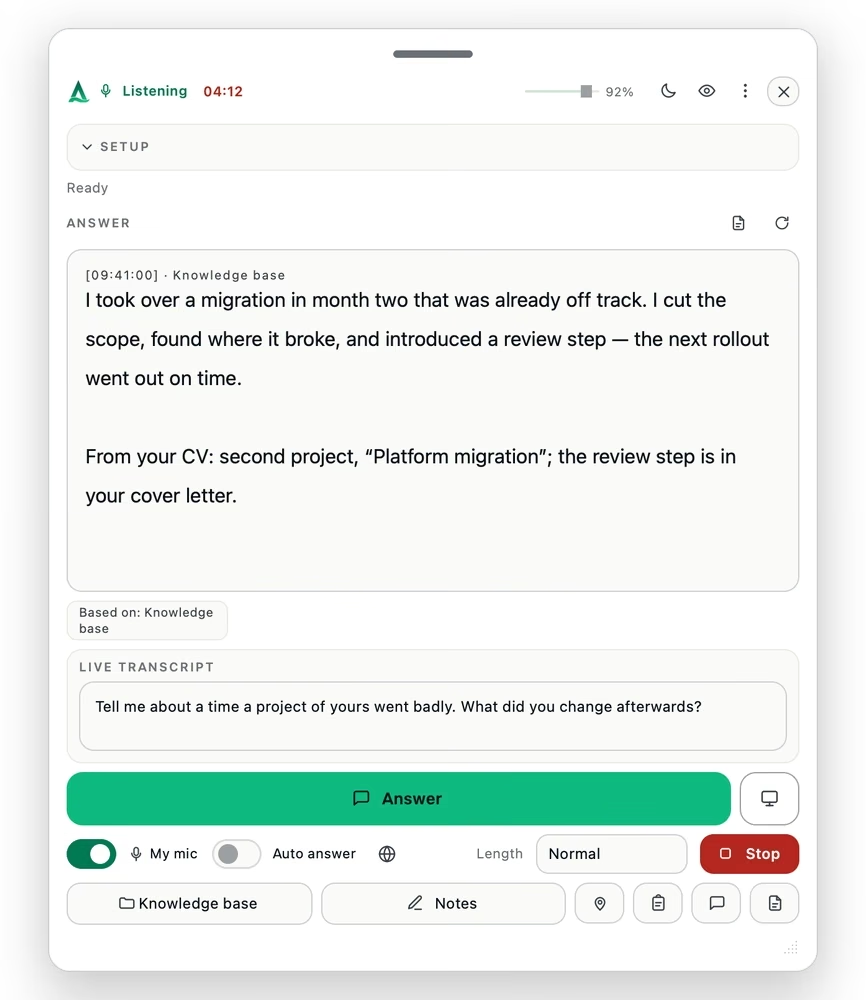
Bring up a short first-person answer from your own record, with its source named.

Use the written debrief to spot where the answer held and where you hedged.
You decide what stays private. Each feature is a switch in your settings – and Incognito Mode stays off until you turn it on.
Your pointer keeps its shape over the assistant, so your shared screen stays calm.
The assistant stays on your monitor and out of your screen share, where your system supports it.
Turn each feature on or off under Settings → Privacy & Visibility.
Off by default. Once you turn it on, it hides the app icon from your Dock or taskbar.
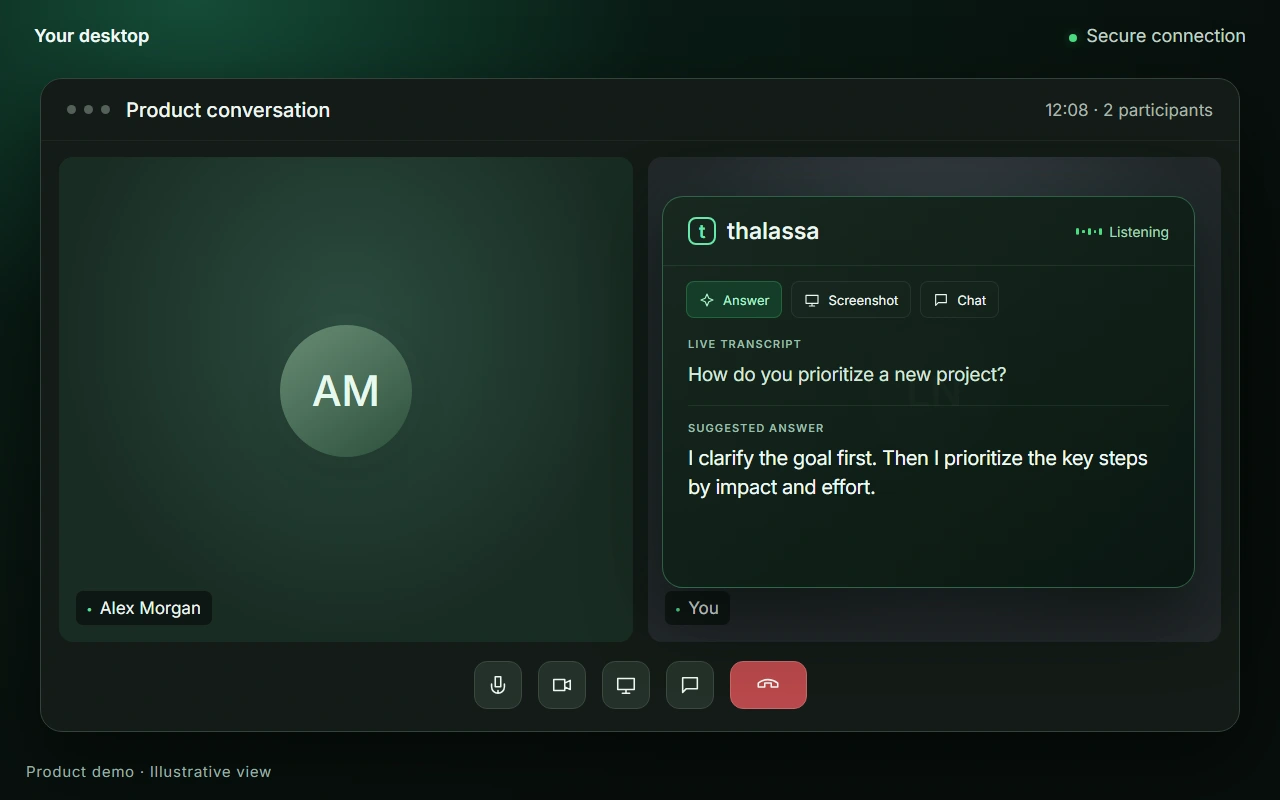
Answers appear right above your meeting. No need to switch windows or tabs.
These demos illustrate the features. Capture protection depends on your operating system and sharing mode. More about visibility
Thirty minutes per credit, plus 30 minutes' grace if it runs over, the conversation type of your choice, a 500-page knowledge base, debriefing included, and rehearsal before the real thing. For use only where assistance is permitted.
€29.90 per meeting. 30 minutes per credit, plus 30 minutes' grace.
€26.63 per meeting — saves €9.80 against buying them separately.
€16.65 per meeting — saves €79.50 against buying them separately.
A subscription instead of credits: 30 meeting-hours a month, 300-page knowledge base, every conversation type, briefing before every call.
€358.80 per year — save €109.20 against monthly billing.
Buy StandardCancel any time; access until the end of the billing period.
How credits work: One credit covers a 30-minute meeting, plus 30 minutes' grace if it runs over — 60 minutes in total. Meetings are never cut off: a longer conversation simply draws the next credit from your balance. Unused minutes can also fund a separate meeting.
1 credit · 60 minutes
Live translation is not part of any plan: €0.23 per session minute from prepaid credit — you only pay when you switch it on.
Tickets and the student plans are final prices including VAT. Standard is a business rate, shown net; VAT is added at checkout. Monthly plans can be cancelled any time, with access until the end of the billing period and no pro-rata refund. Tickets are fully refundable while unused within their window, and non-refundable once a live session has started. Consumers have a 14-day right of withdrawal. Secure checkout by Stripe as merchant of record — card details are entered on Stripe’s page and are never visible to us. Terms · Right of withdrawal
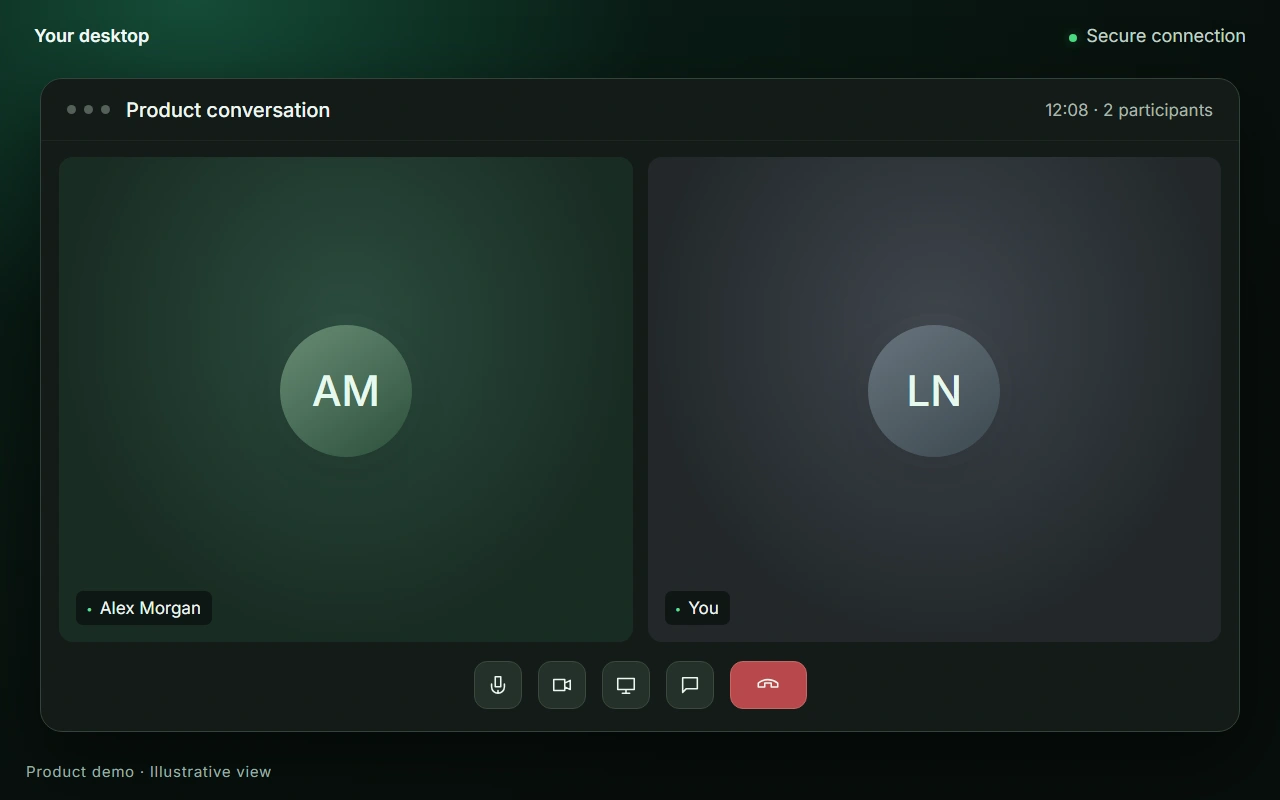
The film below shows the desktop app and the assistant overlay in the current release, with example content. English release.
No. It is not a meeting bot: it listens to the sound on your own computer, joins nothing and appears in no participant list — on Zoom, Teams, Meet, Webex or a phone call on speaker. There is no platform integration to configure and no admin approval to chase.
No. Audio is never stored — it is streamed for transcription and discarded. The transcript exists only during the conversation and is deleted afterwards; what remains is the debrief you asked for. Your CV and your documents are searched on your device and are not uploaded to a server for storage.
Where assistance is permitted, yes — and only there. Whether the other side must be told depends on where you are: many countries let one party’s consent suffice, several US states require every party to consent before a call is recorded or transcribed, and employers set their own rules for their selection processes. Where a selection process forbids aids, using Thalassa is not permitted — that is in the terms (section 2), not just here. Rehearsing with it beforehand is always yours to decide.
On screen, no. The window stays out of what you share, and there is no sound, no notification and no extra participant in the call.3 Your behaviour can still give it away — someone reading an answer aloud sounds like someone reading aloud. It works best as a prompt, not a script, which is why rehearsal mode exists.
Only if the conversation runs through your computer, or you switch the microphone on deliberately. By default Thalassa hears only what comes out of your speakers — a video call, or a phone call routed through the machine. A phone held to your ear is not heard.
No. Single meetings are sold as credits, one purchase at a time: buy one for the next round, three for a whole application process. Nothing renews.
Tickets are fully refundable while unused within their window, and non-refundable once a live session has started. Credits are valid for 365 days, so a postponed interview is still covered. Monthly plans can be cancelled any time, with access to the end of the billing period.
Yes. Install the app and create an account — the first meeting is free, with up to 15 minutes of live answers, plus 5 preparations (briefing, debriefing or scenario workshop), knowledge base capped at about 100 pages. A preparation does not use up the free meeting. It is granted in the app, once per account; no card required.