
01 · Questions
Practise from the material you will be examined on.
Use your own notes, slides and past papers instead of generic prompts.
Upload the manuscript, slides and past papers. Rehearsal mode plays the examiner from that material, asks the follow-up and writes a debrief on what held and what did not.

Upload the manuscript, slides and past papers. Rehearsal mode asks from that material, follows up and writes a debrief.
Use your own notes, slides and past papers instead of generic prompts.

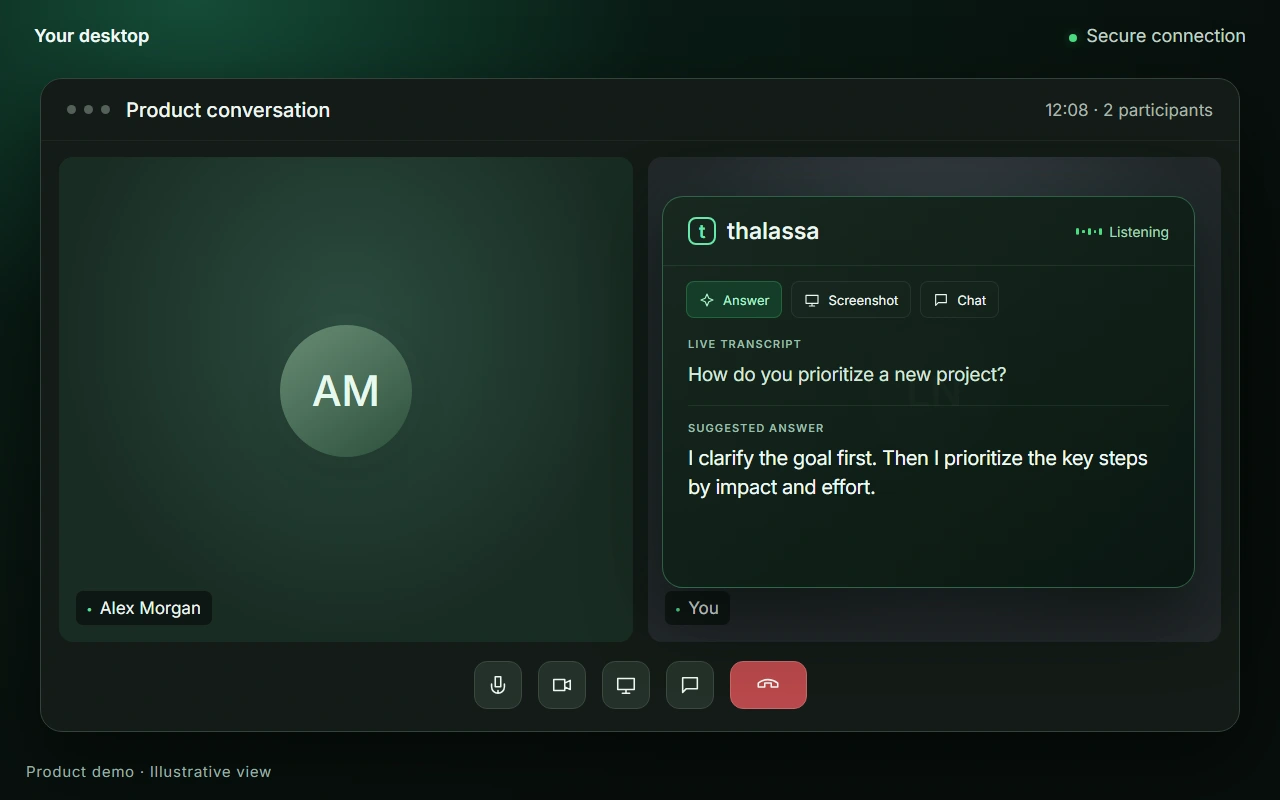
In a permitted practice or supervision conversation, Thalassa shows a short answer from your notes while the question is still live. It is not for a graded exam.

Read the written follow-up after the rehearsal. It is a debrief, not a grade.
You decide what stays private. Each feature is a switch in your settings – and Incognito Mode stays off until you turn it on.
Your pointer keeps its shape over the assistant, so your shared screen stays calm.
The assistant stays on your monitor and out of your screen share, where your system supports it.
Turn each feature on or off under Settings → Privacy & Visibility.
Off by default. Once you turn it on, it hides the app icon from your Dock or taskbar.
Answers appear right above your meeting. No need to switch windows or tabs.
These demos illustrate the features. Capture protection depends on your operating system and sharing mode. More about visibility
Twenty meeting-hours a month, a 500-page knowledge base, debriefing included, and every conversation type — a job interview and an exam in the same term, with no choice to make. Every student rate needs a university e-mail address confirmed in your account with an email code before purchase.
One meeting of up to 90 minutes. Nothing renews.
University e-mail address required — see the box above.
Buy the One-Go ticketBilled month by month. Cancel any time.
University e-mail address required — see the box above.
Buy monthly€214.80 paid in advance for the year instead of €298.80 month by month — 28 % less. The gap is deliberate.
University e-mail address required — see the box above.
Buy yearlyNo university address? Single meetings are sold to everyone as credits, from €29.90 incl. VAT — on the pricing page.
Live translation is not part of any plan: €0.23 per session minute from prepaid credit — you only pay when you switch it on.
All student rates are final prices including VAT. The student subscription can be cancelled any time, with access until the end of the billing period and no pro-rata refund; the yearly plan is paid for twelve months in advance. The One-Go ticket is fully refundable while unused, and non-refundable once a live session has started. Consumers have a 14-day right of withdrawal. Secure checkout by Stripe as merchant of record — card details are entered on Stripe’s page and are never visible to us. Terms · Right of withdrawal
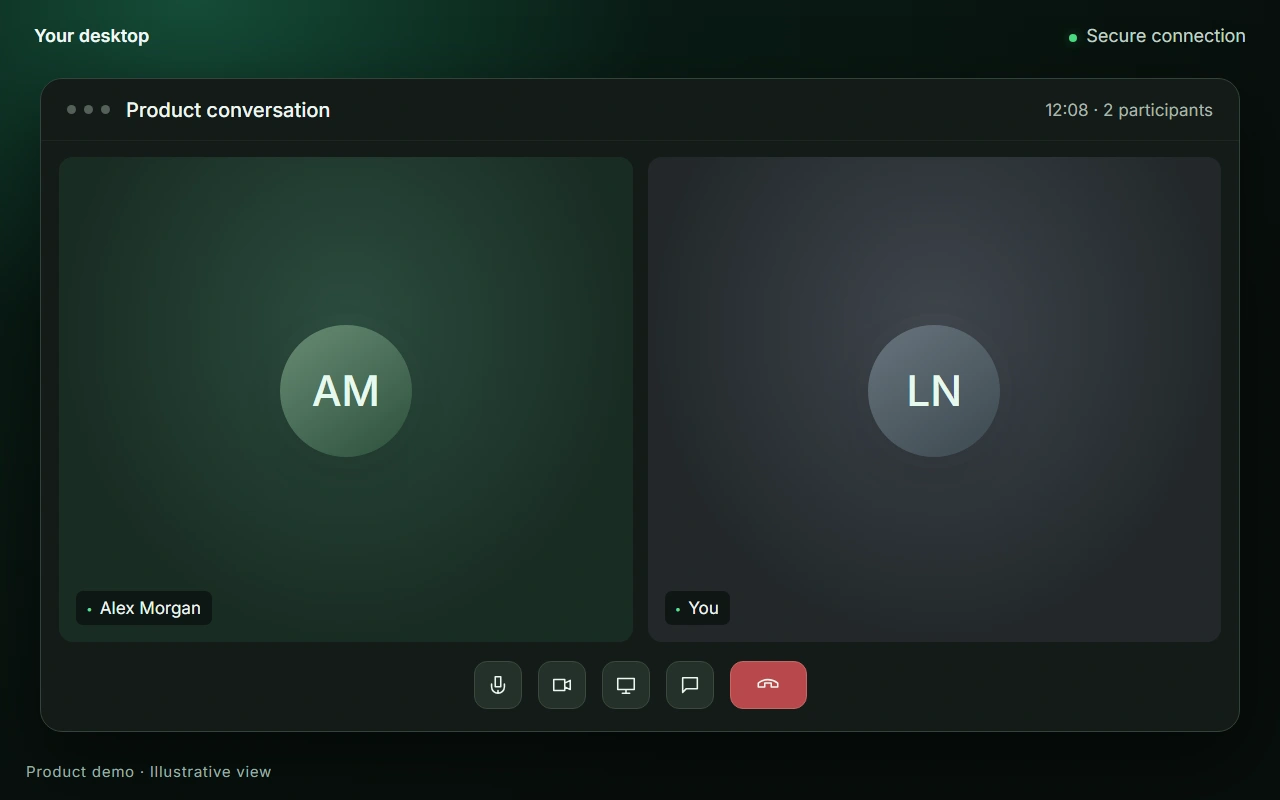
The film below shows the desktop app and the assistant overlay in the current release, with example content. English audio with captions.
In a graded examination, as a rule, no. Universities set the rules for their examinations, and keeping to them is your responsibility — where an exam or an assessment does not permit aids, using Thalassa is not permitted either, and that is in the terms (section 2), not just here. The product is built for the preparation: rehearsal mode before the exam, and the conversations in which assistance is allowed — an admissions interview, a working-student interview, a meeting with a supervisor. An answer you could not have given yourself is not one you would want to defend in a viva anyway.
With a university e-mail address. Enter it in the box above the student rates. You confirm the address before buying, with a code sent to that mailbox. The confirmation is valid for one year; after that, a new code is all it takes. Without a verified university address the checkout declines the student rates — which is why the box stands before the buttons and not after them.
No. The student plan is cheaper on minutes — 300 a month — not on topics. Examination, admissions interview, job interview and coding interview are all included; you pick the type in the app when you prepare. Only the One-Go ticket covers a single conversation type, chosen in the app for that one meeting.
No. It is not a meeting bot: it listens to the sound on your own computer, joins nothing and appears in no participant list — on Zoom, Teams, Meet, Webex or a phone call on speaker. Rehearsal mode needs no call at all: it asks in writing, on your own machine.
Your knowledge base is searched on your own device. Documents are not uploaded to a server for storage, audio is never stored — it is streamed for transcription and discarded — and the transcript of a session is deleted afterwards. What remains is the debrief you asked for. How your data is handled.
No. Rehearsal mode reads your material and asks in writing; you answer typed or spoken, as you prefer. The microphone is only needed when a real conversation happens in the same room and does not run through your computer — and it stays off until you switch it on yourself.
Scanned pages work. Handwriting depends on how legible the scan is — if you can read it on screen, it usually can too. Half-finished notes and a scanned chapter count as much as a clean PDF; the point is coverage of your material, not a tidy archive.
Yes. Install the app and create an account — the first meeting is free, with up to 15 minutes of live answers, plus 5 preparations (briefing, debriefing or scenario workshop), knowledge base capped at about 100 pages. A preparation does not use up the free meeting. It is granted in the app, once per account; no card required.